Google Search Console for agents
Agents can now add a site to Google Search Console. Query clicks and impressions, inspect whether a URL is indexed, and submit a sitemap.
Add a site
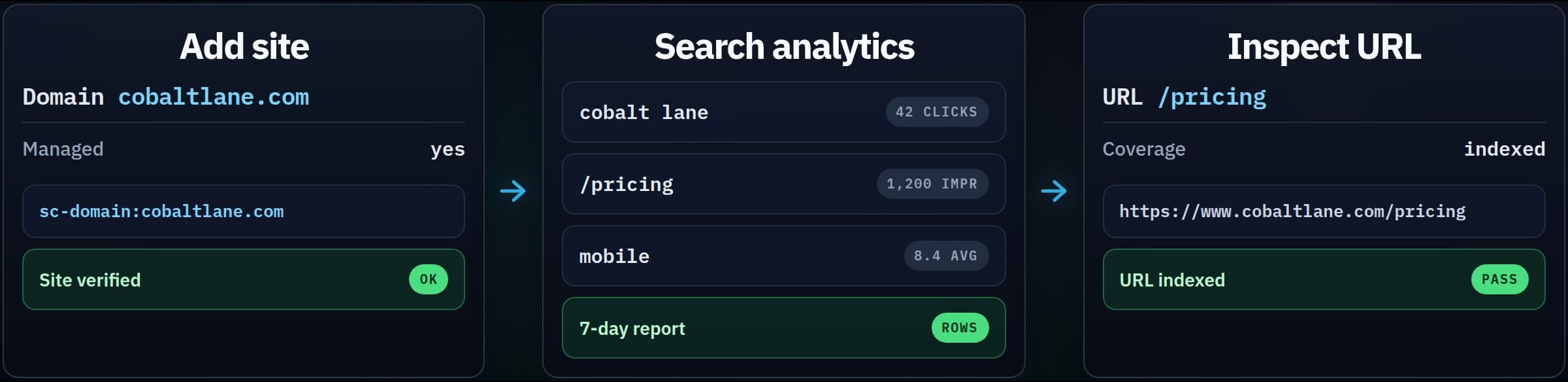
google-search-console.add_site takes a hostname, a domain property, or a URL.
Vee3-managed domains verify automatically. If Google is still checking, wait a short time and call the same tool again. Other domains need a DNS TXT record. Create it, wait for DNS, then retry.
google-search-console.list_sites lists properties on the account. Later calls can omit site_url to use the default property.
Search analytics and indexing
google-search-console.query_search_analytics returns clicks, impressions, CTR, and average position. Group rows by query, page, country, device, or date. Daily rows usually lag two or three days.
google-search-console.inspect_url checks one URL: indexing verdict, coverage, crawl, and canonicals. Google caps how many inspections run per day.
Submit or delete a sitemap with google-search-console.submit_sitemap and google-search-console.delete_sitemap. That updates Search Console tracking. It does not delete the sitemap file from the website.
Tools
| Capability | MCP tool | Tokens |
|---|---|---|
| Add Google Search Console site | google-search-console.add_site | 10 |
| List Google Search Console sites | google-search-console.list_sites | 5 |
| Get Google Search Console site | google-search-console.get_site | 5 |
| Query search analytics | google-search-console.query_search_analytics | 20 |
| Inspect URL | google-search-console.inspect_url | 15 |
| List sitemaps | google-search-console.list_sitemaps | 5 |
| Get sitemap | google-search-console.get_sitemap | 5 |
| Submit sitemap | google-search-console.submit_sitemap | 10 |
| Delete sitemap | google-search-console.delete_sitemap | 10 |
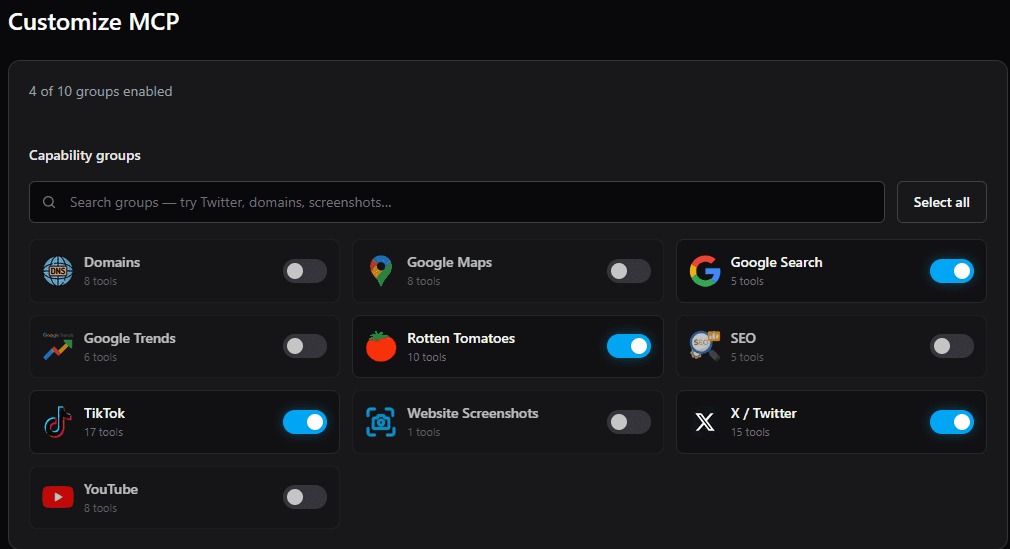
Turn the Google Search Console group on in Customize MCP if it is not already on the server.